Unsloth Desktop provides a unified environment for operating large language models on personal hardware while extending support for model training and specialized generation tasks. Developed by the Unsloth team, the application runs across Windows, macOS, and Linux platforms and distinguishes itself through its emphasis on both inference and fine-tuning capabilities within a single interface.
The tool launches via a console window that subsequently opens a browser-based graphical interface. Automatic handling of supporting libraries occurs in the background, although complete software updates still require manual console commands. This hybrid approach introduces minor workflow interruptions compared with fully windowed desktop applications, yet it maintains transparency for users who need to inspect underlying processes.
A curated Model Hub presents downloadable models organized by capability, format, and hardware compatibility. Users can similarly browse curated datasets for training purposes. Projects allow attachment of local files or folders as persistent context, reducing reliance on external integrated development environments for sustained tasks.
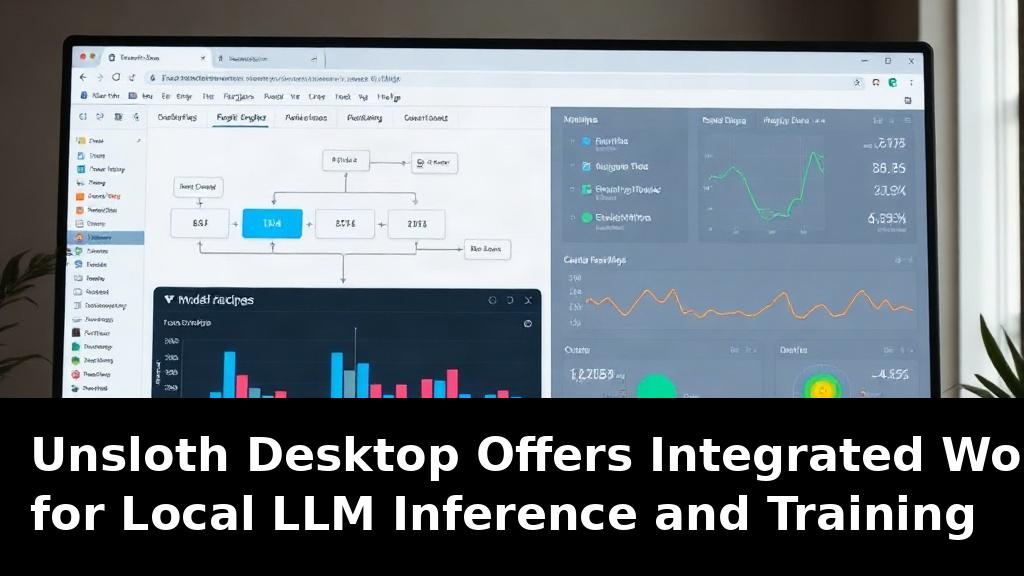
The Data Recipes feature enables construction of multi-stage workflows that process varied data sources. Prebuilt examples include optical character recognition for document extraction and extraction of training data from GitHub issues and pull requests. The block-based interface mirrors established visual workflow tools, permitting users to chain operations without writing custom scripts.
Inference controls remain relatively streamlined. Token window size appears as an adjustable parameter, while GPU layer allocation defaults to automatic management. Users are advised to increase the default context length of 4096 tokens for extended dialogues to maintain coherence over longer exchanges.
Specialized interfaces support image, video, and text-to-speech generation, each supplied with compatible model options that download automatically when selected. Tool-calling mechanisms incorporate auto-healing and nudge features that help maintain reliable function execution during conversations, minimizing the need for prompt restarts.
Training capabilities represent a notable strength. The interface permits direct fine-tuning of models, including image-generation variants, with live training statistics displayed. Users can prepare annotated image datasets entirely within the application before initiating training runs and subsequently deploy the resulting models for inference.
One area for continued development involves documentation completeness. Certain advanced procedures, such as training on specific model families, lack detailed guidance and may require environment-specific launch steps that are not explicitly stated. User interface elements occasionally lack clarity when distinguishing between model selection and quantization options, occasionally leading to unintended downloads.
Local-first solutions like Unsloth Desktop contribute to broader industry movement toward on-premises AI deployment, which addresses data sovereignty requirements in regulated sectors. They also lower barriers for smaller research groups seeking to iterate on custom models without incurring recurring cloud expenses. Continued refinement of documentation and interface consistency will determine how widely these tools are adopted beyond early users already comfortable with command-line elements.
Overall, Unsloth Desktop delivers a functional environment that combines model hosting, workflow automation, and training in one package, offering practical value for practitioners focused on local generative AI operations.